

 Admin Login
 Member Login
Built around your business. Billed on your terms.
Create memberships that fit your business, give members flexible ways to pay, and manage recurring revenue with the tools to stay ahead of every billing cycle.
- Payments processed
- $200M+processed
- Transactions
- 2.4M+transactions
Processed through fitdegree, and counting.
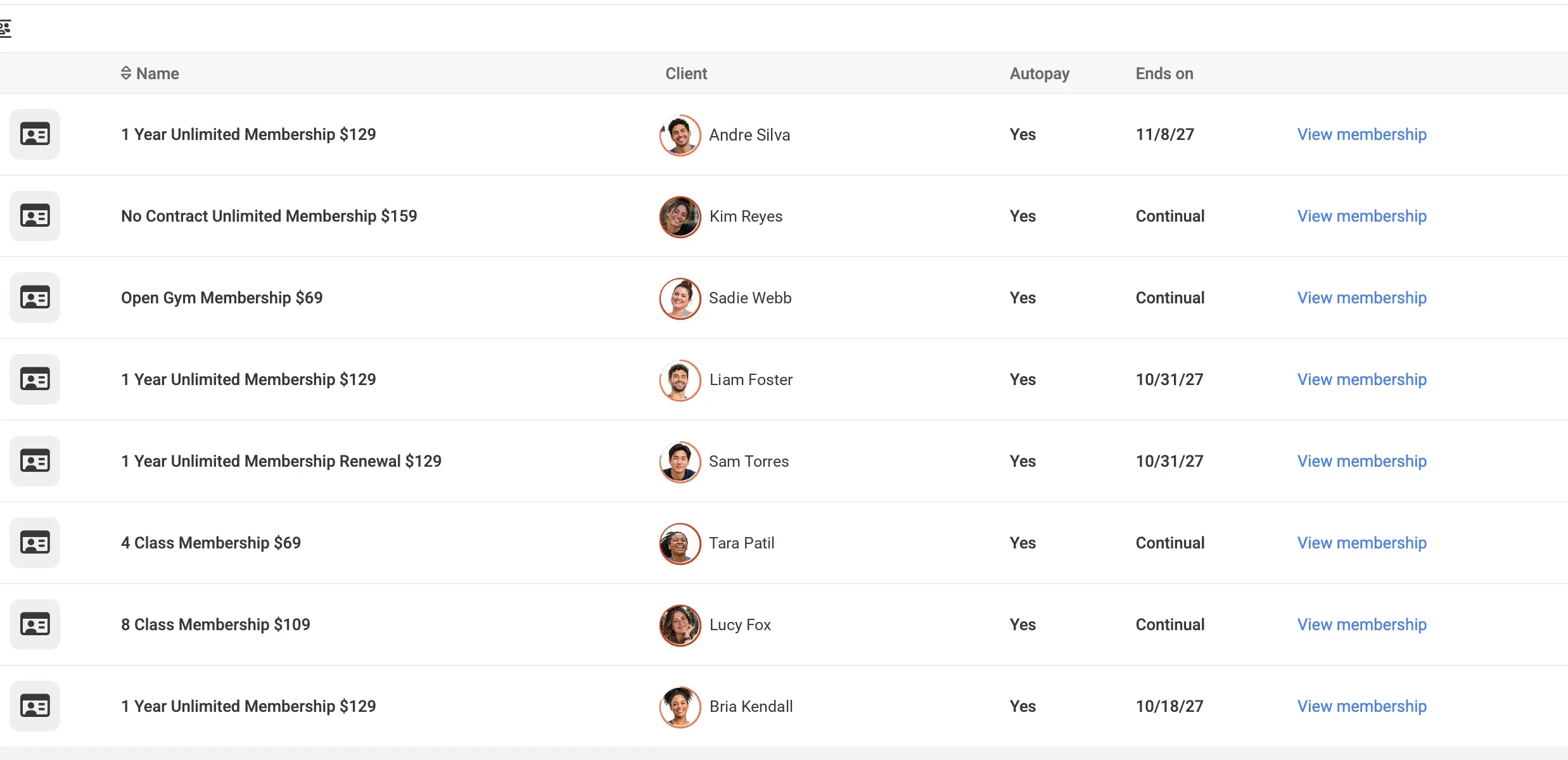
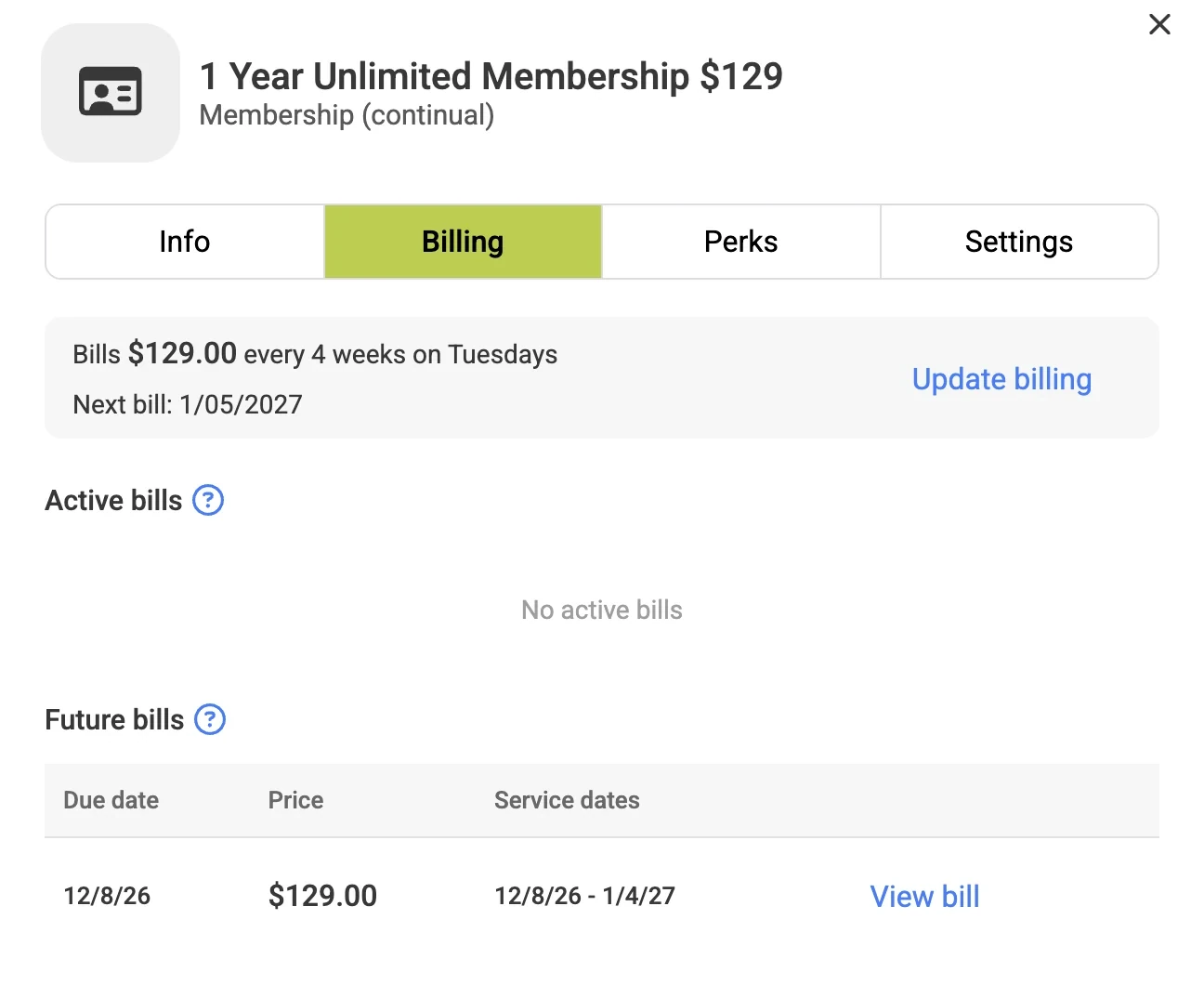

Memberships should fit your business. Not the other way around.
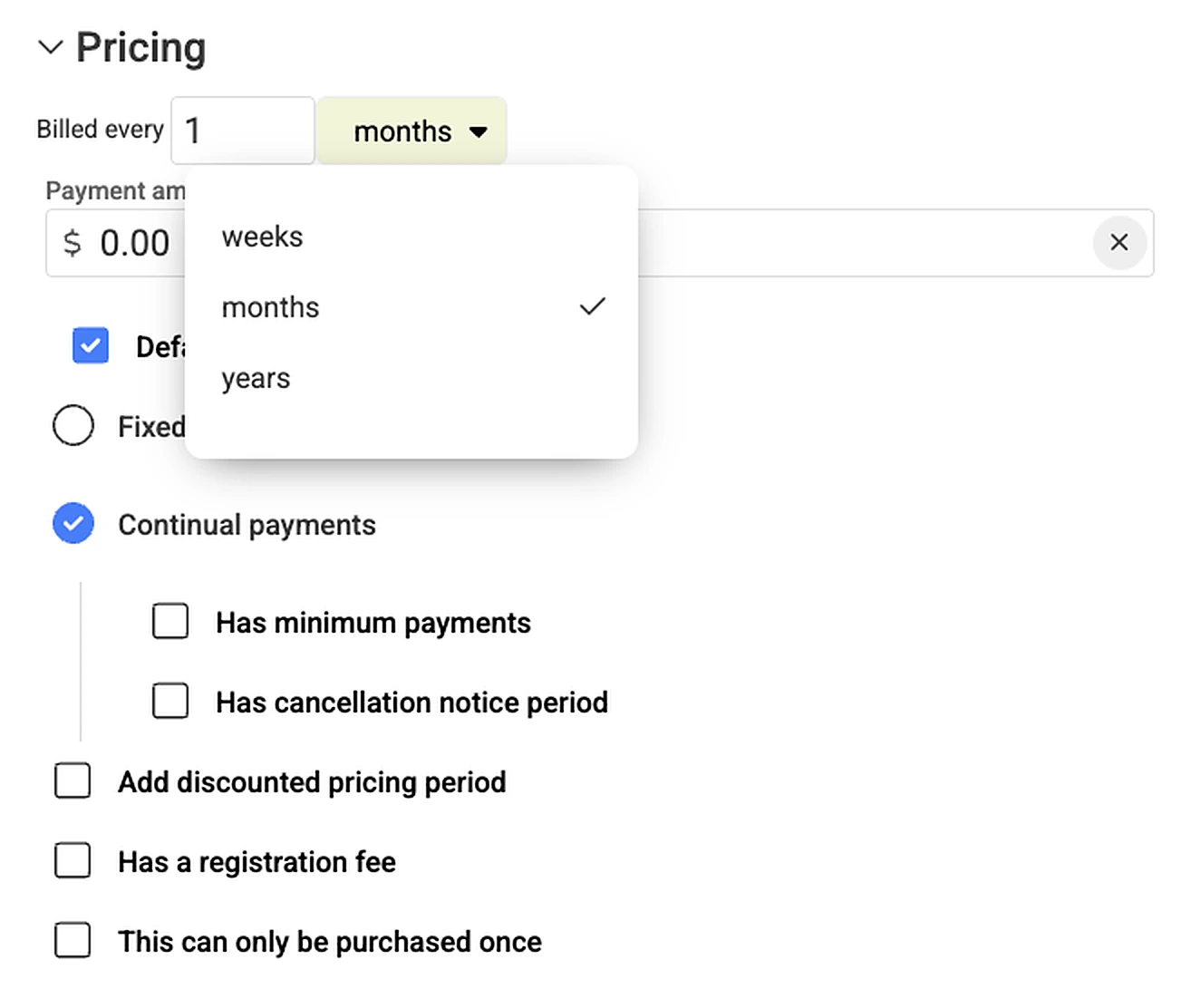
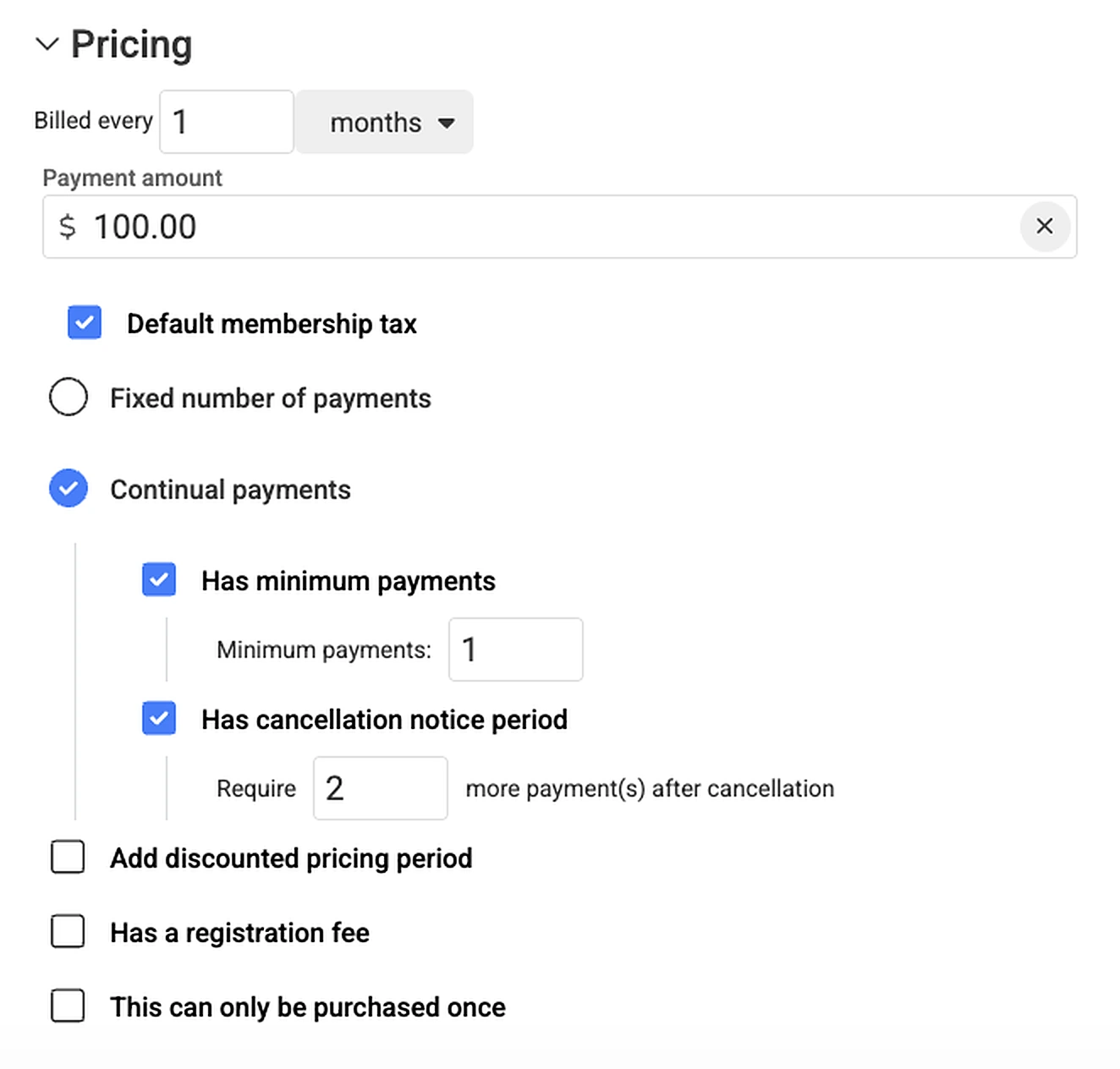
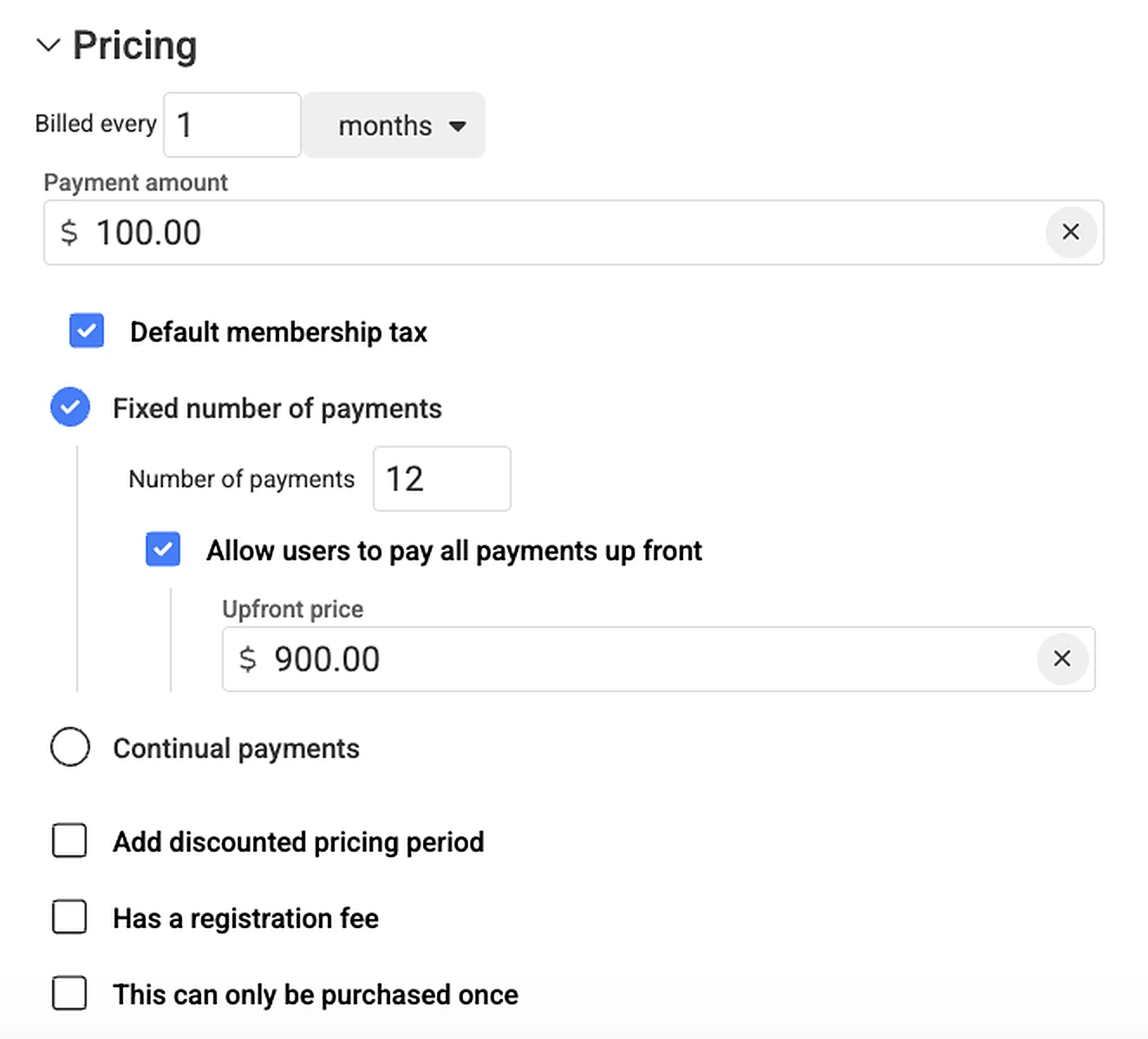
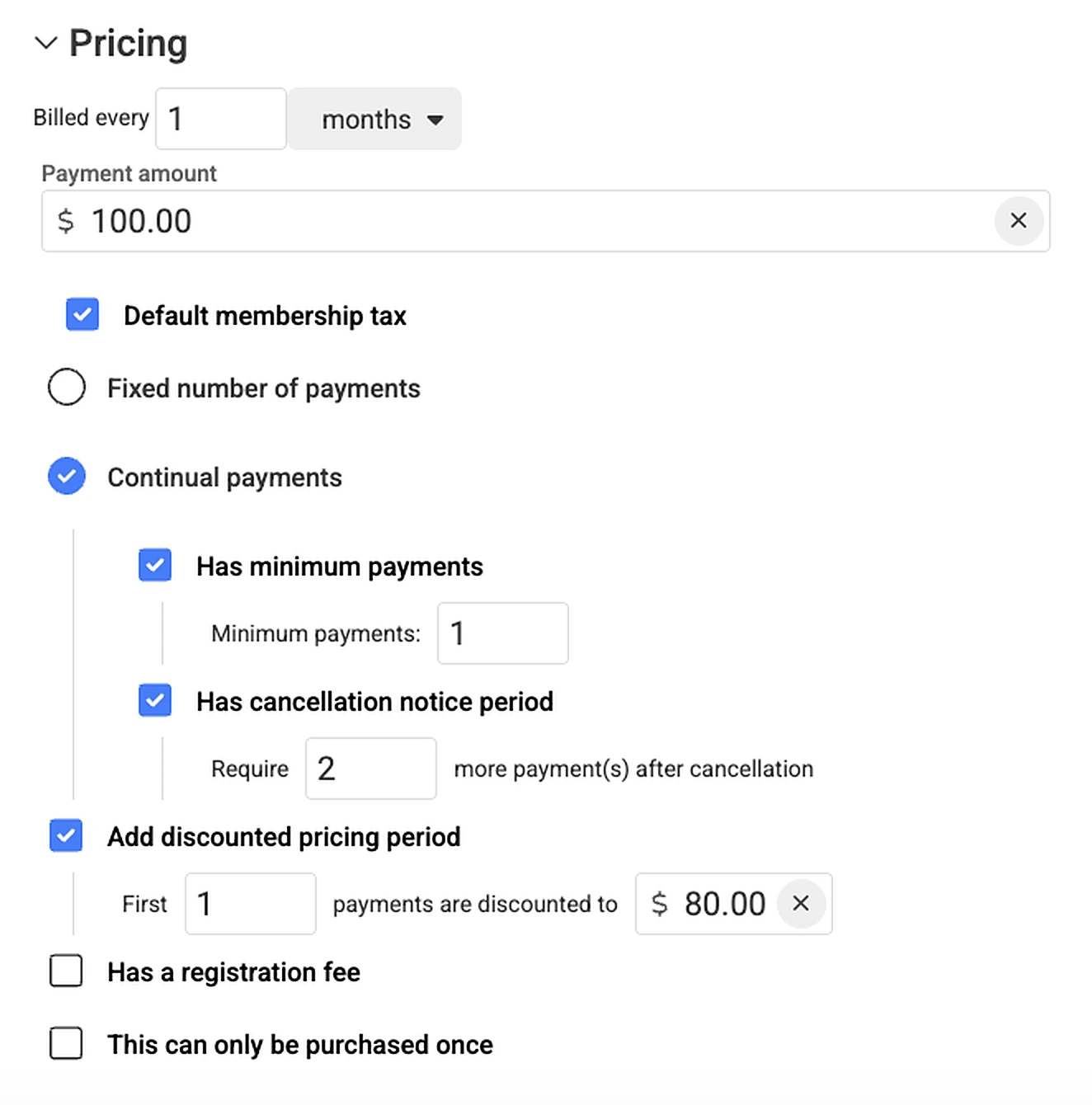
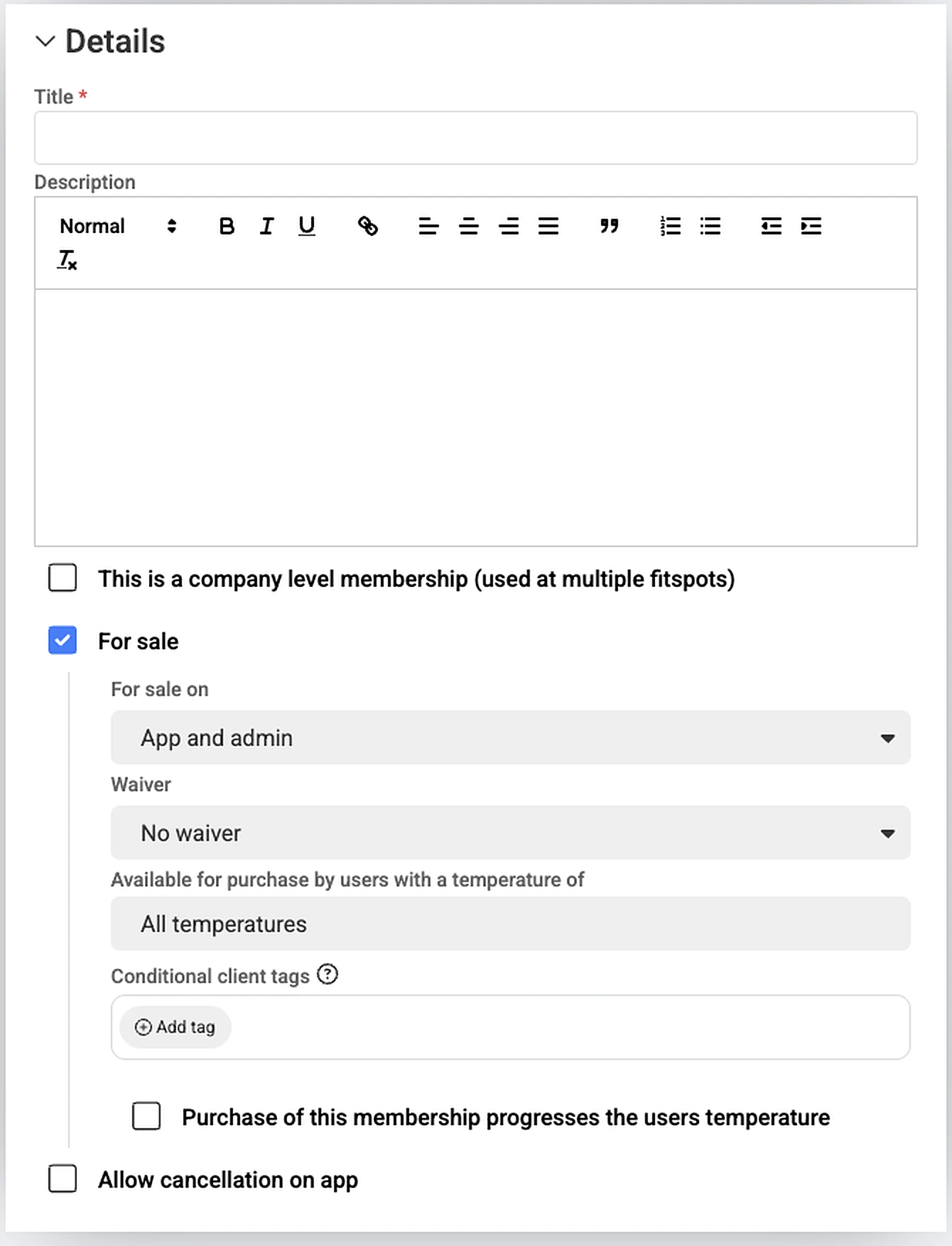
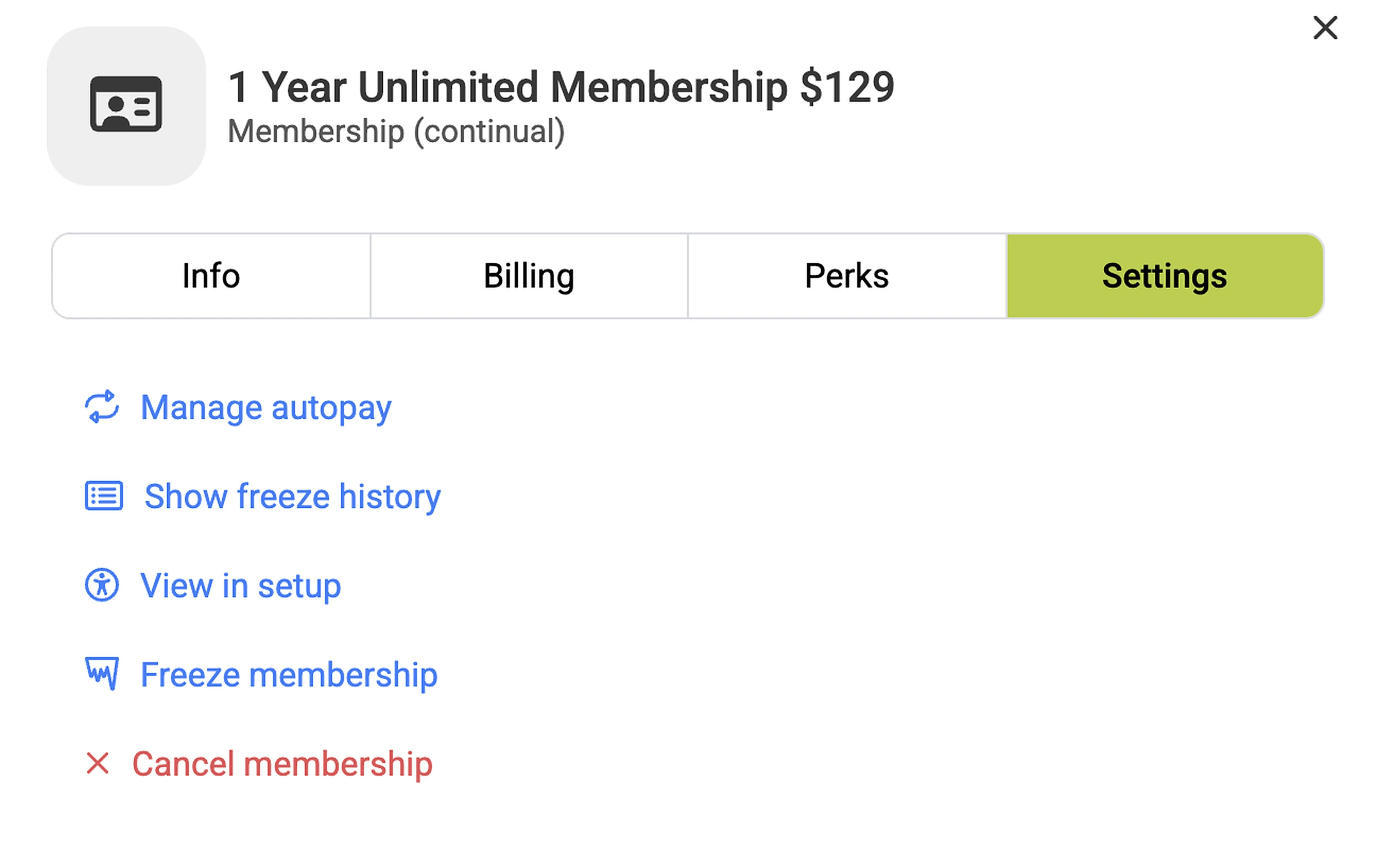
Unlimited, class packs, annual terms, intro pricing or something all your own. Set how each membership bills, what it includes and what members can change, then see exactly how it looks in fitdegree.
Minimum payments and a cancellation notice period are options for continual memberships. Paying up front is an option for a fixed number of payments.
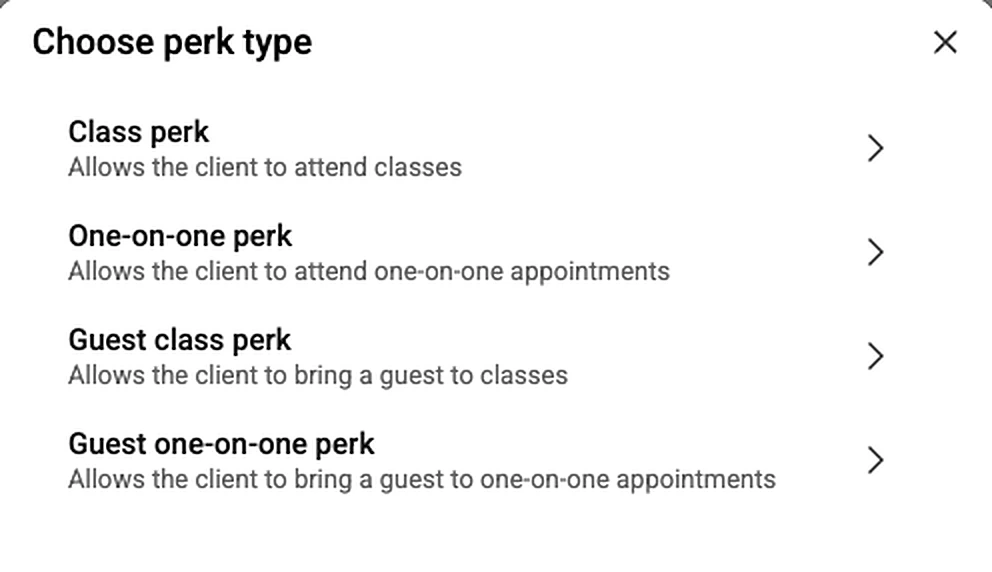
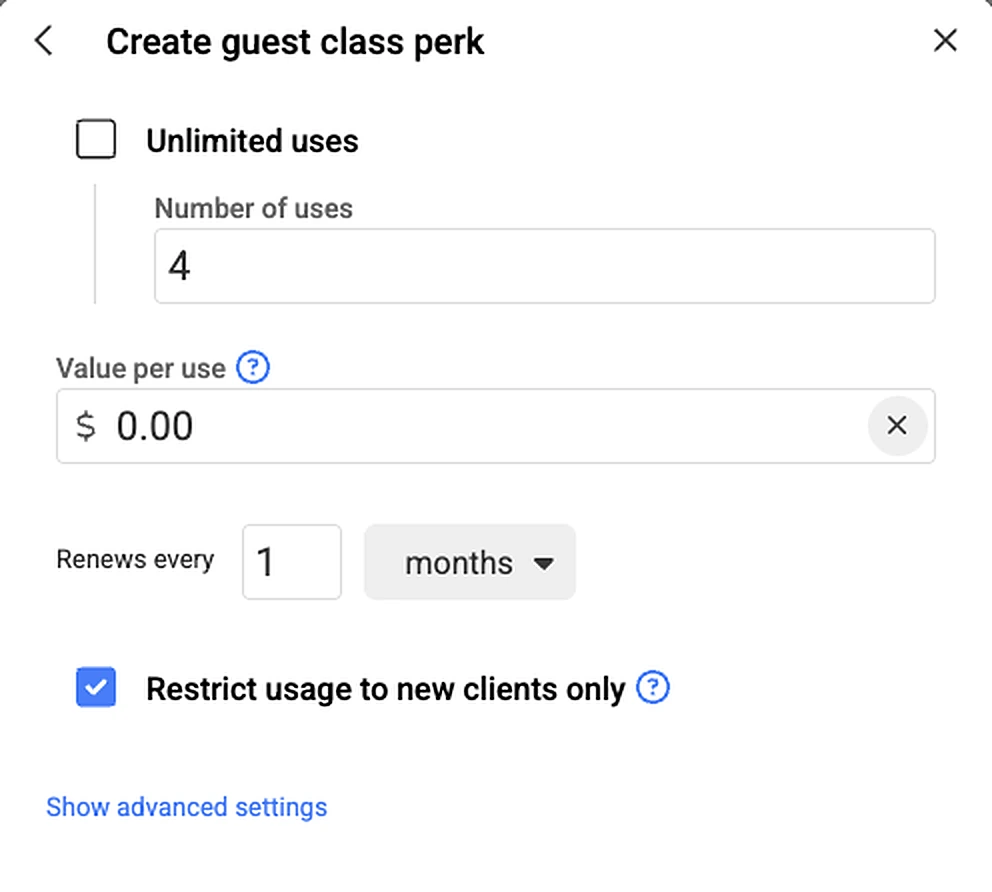
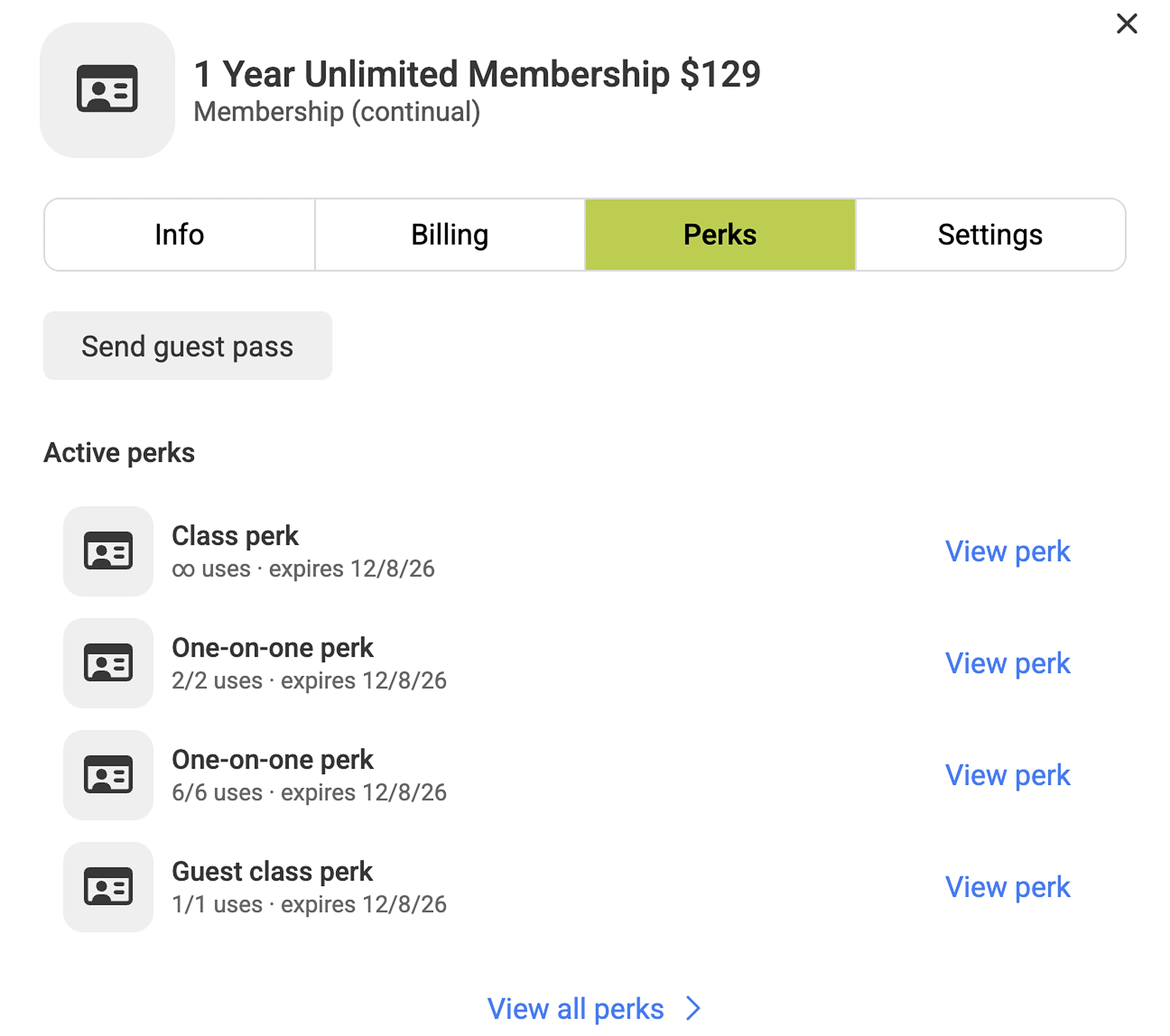
Perks renew on the schedule you set for each one.
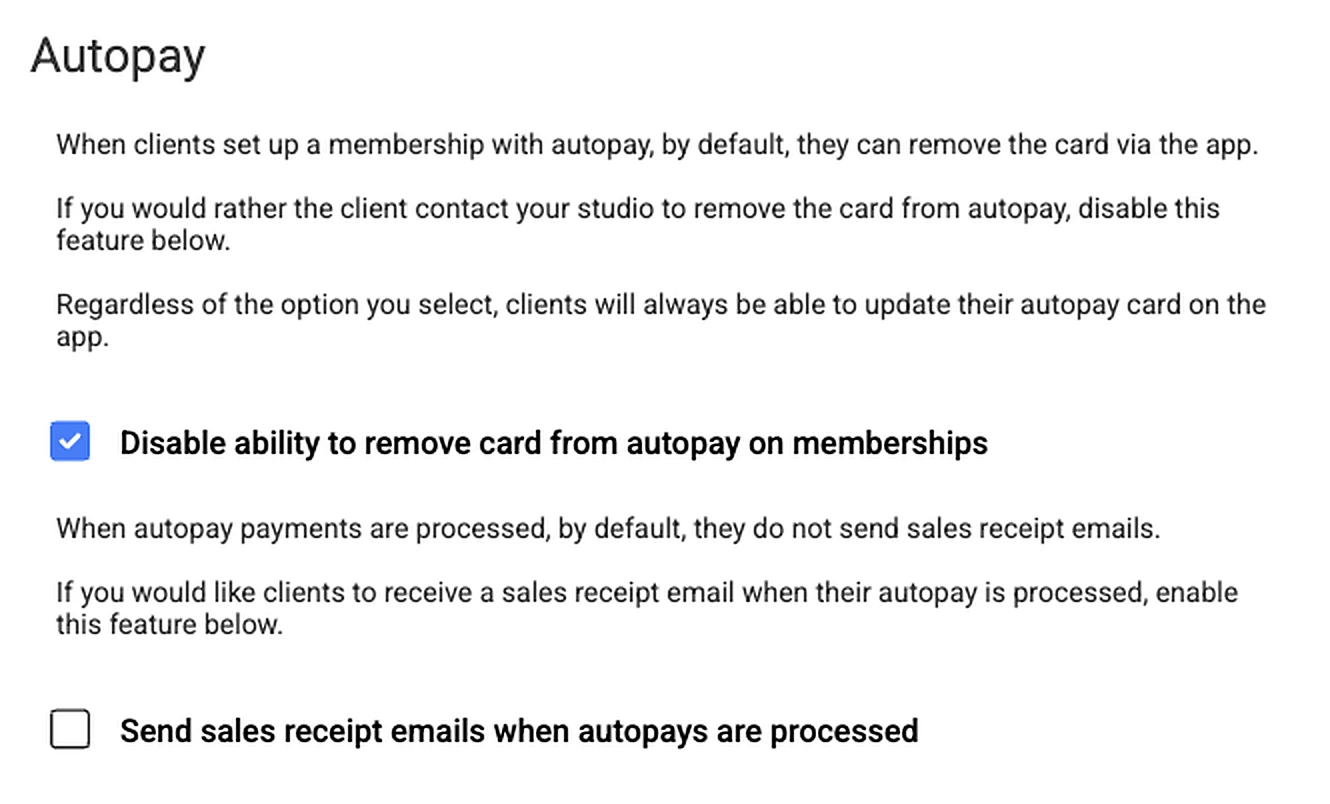
What members can change in the app depends on the settings you choose.

Give members ways to pay. Keep control of the fees.
Choose how members pay and who covers the cost of card processing. Payment processing is separate from your fitdegree subscription, at published rates.
Cards and bank payments
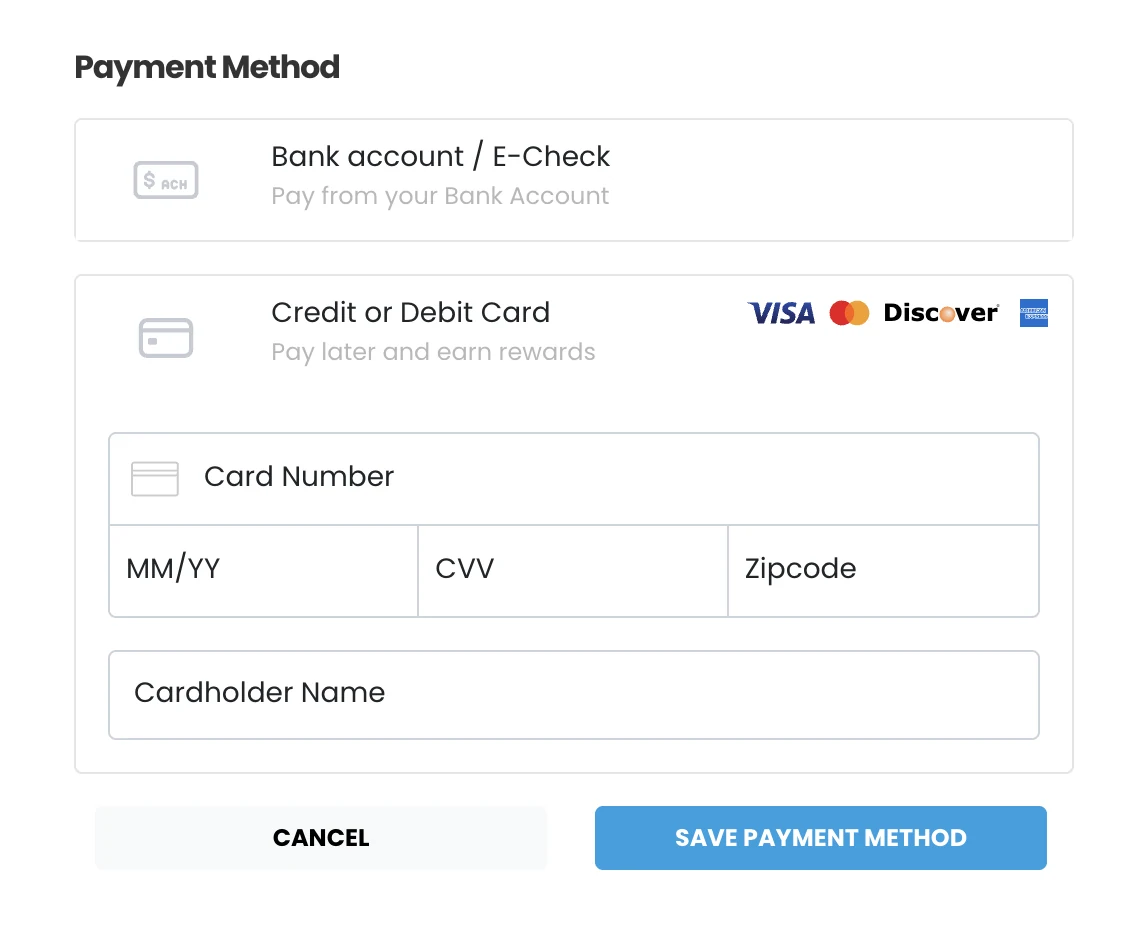
Members can pay by credit or debit card or from a bank account (ACH), and either can be set up for autopay.
Absorb or pass through card fees
Eligible businesses can absorb card processing fees or pass eligible fees through to members, subject to processor setup, card-network rules and applicable laws.
Encourage bank payments
Bank payments are a flat $1 per transaction. Choose whether members can add a bank account themselves in the app, or keep bank setup with your team.
- Card payments
- 2.9% + $0.30per transaction
- Bank (ACH) payments
- $1per transaction
On a $129 membership payment, that’s $4.04 by card or $1 from a bank account. Bank payments stay with your business at $1 each; they aren’t part of card fee pass-through.
What could you keep?
See the potential impact of passing through eligible card processing fees.
Potential card processing fees shifted
Up to $680/month
Up to $8,159 annually
How is this calculated?
- Uses the published card rate: 2.9% + $0.30 per transaction.
- Estimated transactions are monthly card sales divided by your average card transaction, rounded to the nearest whole transaction.
- Assumes every modeled card transaction is eligible for pass-through. Actual savings may be lower if some transactions or payment types aren’t eligible, or if you choose not to pass every fee through.
- ACH fees remain merchant-absorbed at $1 per transaction and are not included.
- The annual figure is the monthly estimate × 12, assuming steady monthly card sales. It is an illustration, not a quote.
Illustrative maximum, not guaranteed savings. Pass-through is subject to applicable laws, card-network rules, and processor requirements. Confirm eligibility before enabling.
Bank payments can be returned by the member’s bank for up to 5 to 10 business days after they process. If that happens, you’ll get a return notice and collect the payment again. That’s how bank processing works everywhere, not a fitdegree setting.
A failed payment shouldn’t become a missed problem.
When an autopay fails, fitdegree keeps you, your member and your front desk on the same page, from the first failed charge to the next check-in.
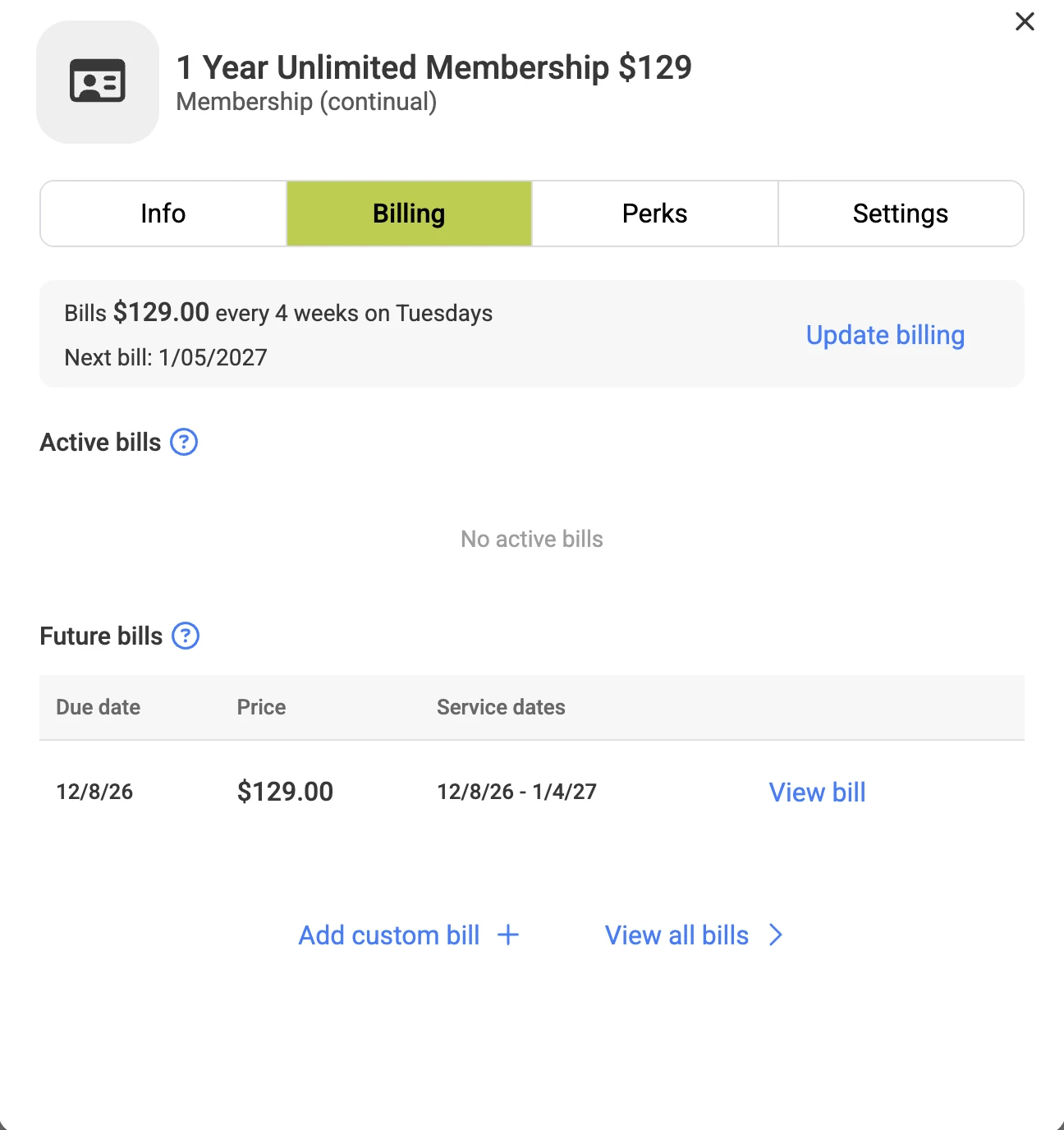
Autopay 1 Year Unlimited Membership $129
Standard billing
A card autopay doesn’t go through.
It happens: an expired card, a new card number, a declined charge. fitdegree notifies your business when an autopay fails.
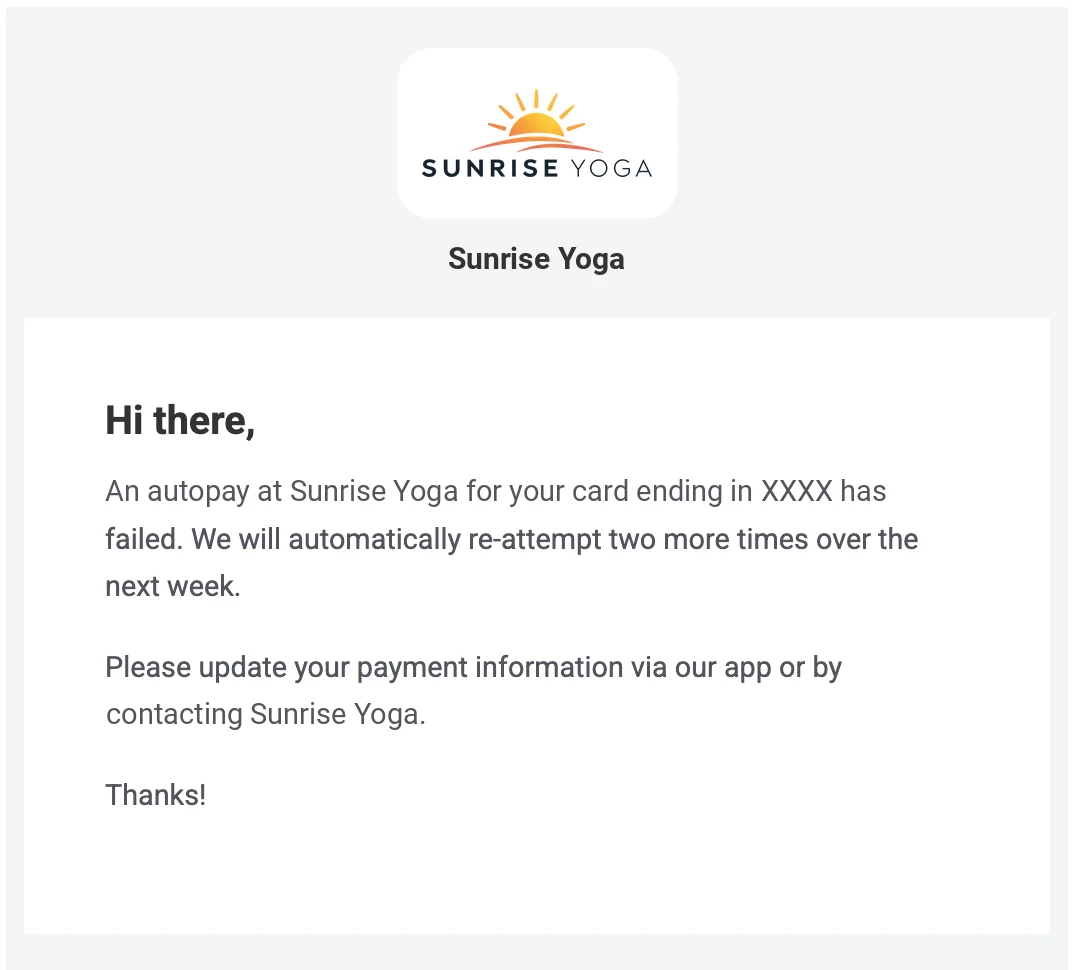
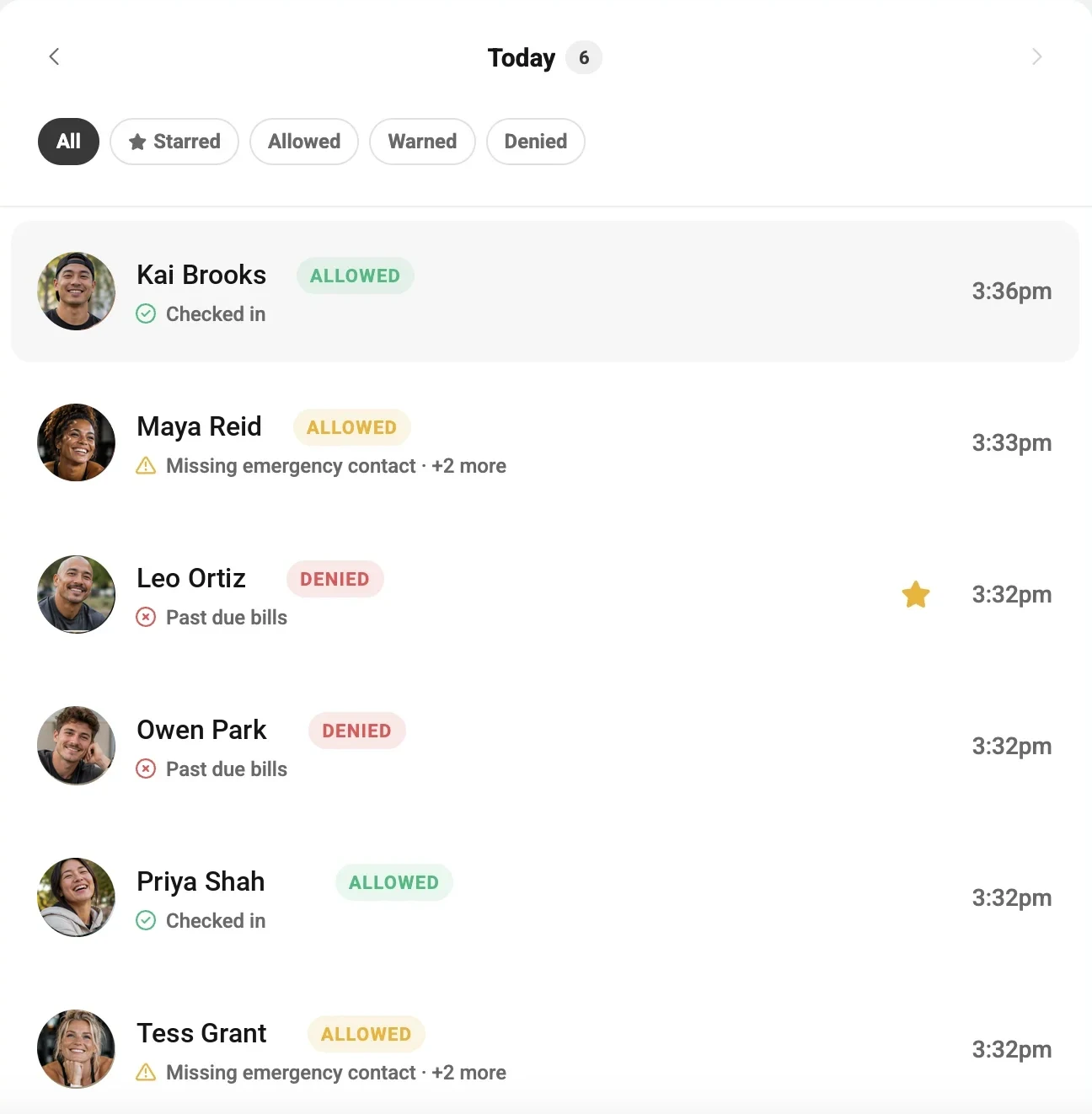
- A card that declines six times is removed from autopay, so the member is asked for a new payment method.
- Retries apply to card autopays. Bank (ACH) payments that are later returned come back as a return notice for your team to collect.
- Access outcomes follow the rules you set for each Access Point. Access is an optional add-on.
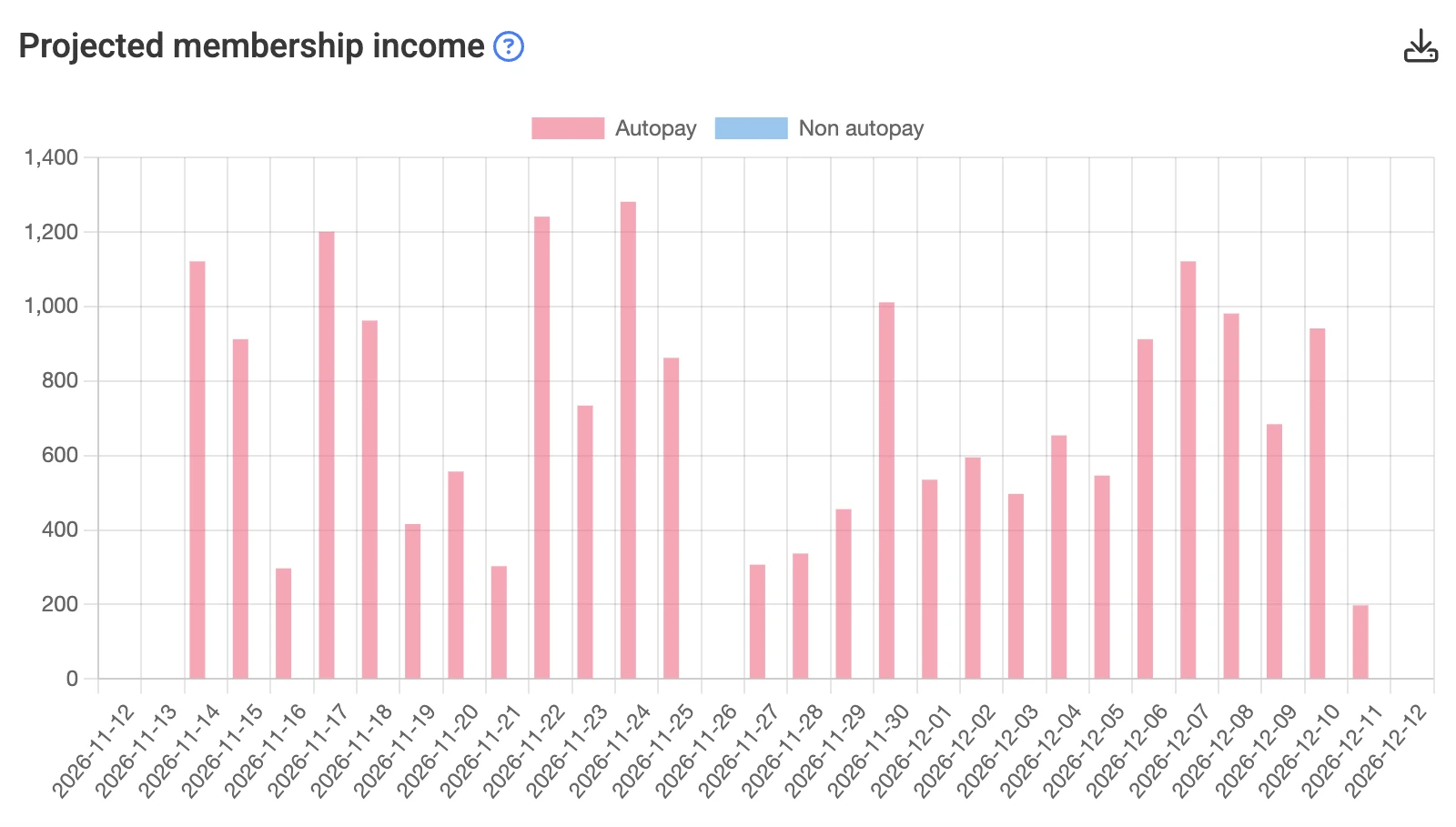
Know what’s coming in. See what’s changing.
Membership reporting connects billing to the bigger picture: how much income is scheduled, how many members are on autopay, and how that’s moving over time.
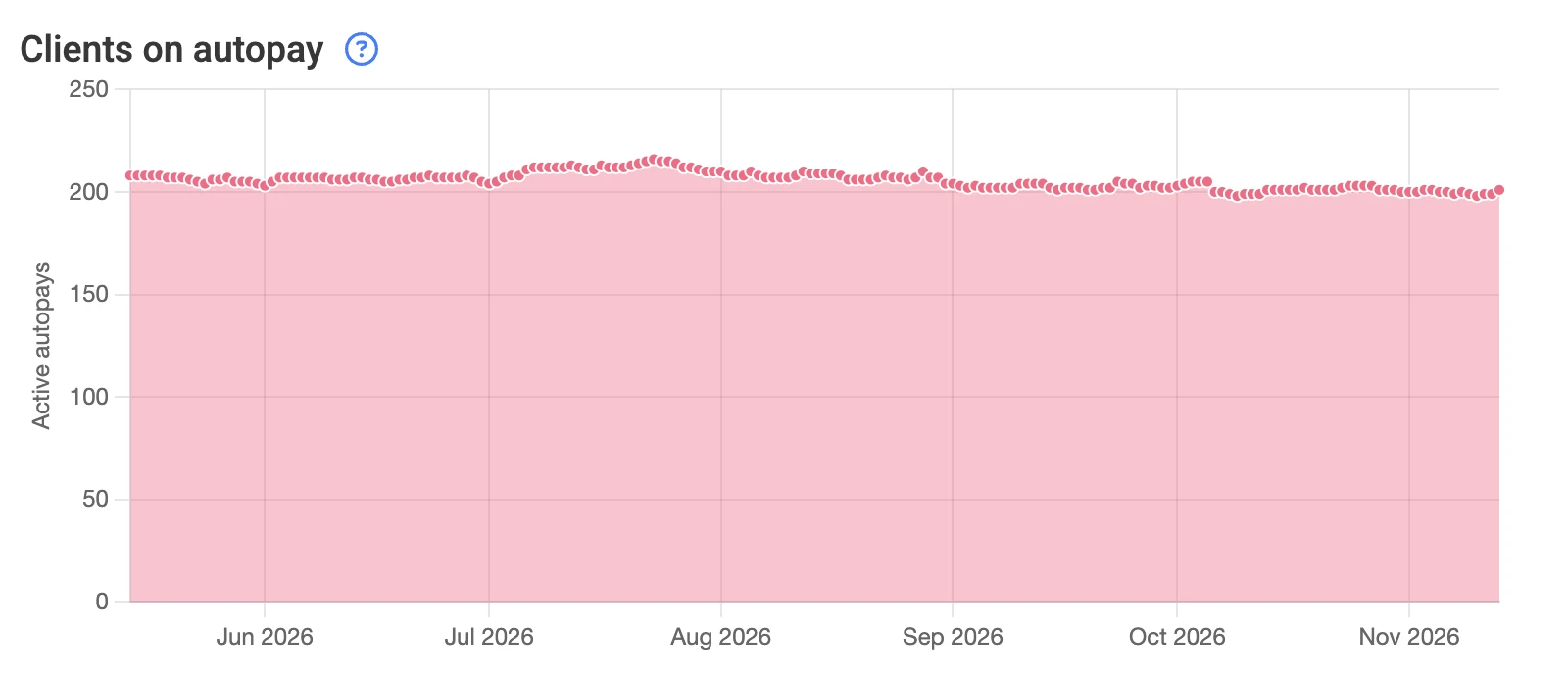
Membership reports sit alongside the rest of your fitdegree reporting, from revenue to check-ins.
Explore reportingQuestions about memberships and billing.
Choosing software is a big decision. Here are a few things studio, gym, and club owners ask us most.
You set how often a membership bills (every set number of weeks, months or years), the amount, and whether it continues until canceled or ends after a fixed number of payments. Continual memberships can have minimum payments and a cancellation notice period; fixed memberships can let members pay the whole term up front. You can also discount the first payments, add a registration fee, limit a membership to one purchase, and include class, one-on-one and guest perks.
Yes, for credit card autopay. fitdegree makes the initial charge, tries again 3 days later, and tries a third time 4 days after that, for three attempts per bill. The schedule is standard and can’t be customized. Owners are notified of failures, the member receives an email, and members can’t register for classes while their membership balance is unpaid.
Yes. Bank (ACH) payments are $1 per transaction. You choose whether members can add a bank account themselves in the app or whether bank setup is handled by your team. Like all bank payments, ACH payments can be returned by the bank within 5 to 10 business days; you’ll receive a return notice and collect the payment again.
Eligible businesses can absorb card processing fees or pass eligible card fees through to members. Pass-through is subject to applicable laws, card-network rules and processor requirements, so confirm eligibility before enabling it. Bank (ACH) fees stay with your business at $1 per transaction.
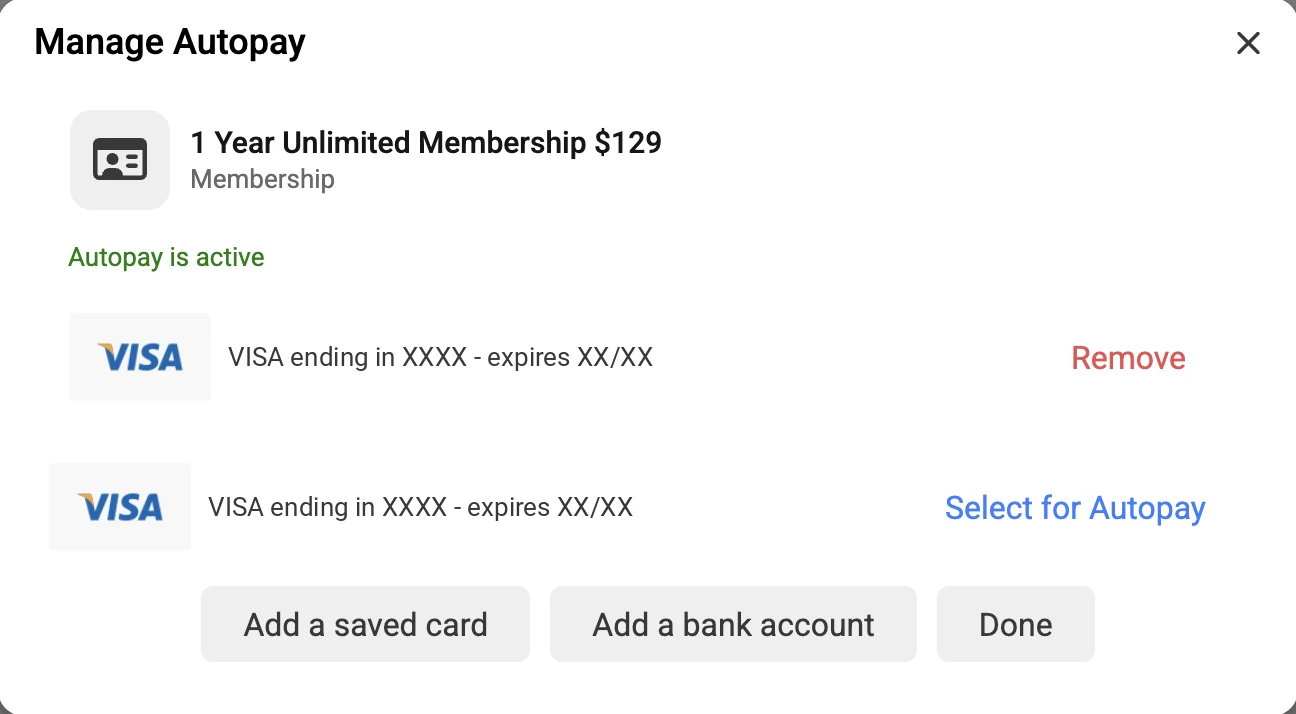
Members can always update their autopay card in the app. You decide whether they can also remove a card from autopay or need to contact your business, whether they can add a bank account in the app, and whether they can cancel a membership in the app.
Still have questions? Talk through your business with someone who knows the software.
Schedule a DemoMore control over memberships. More clarity around revenue.
See how fitdegree can support your membership model, billing workflows and day-to-day operations.