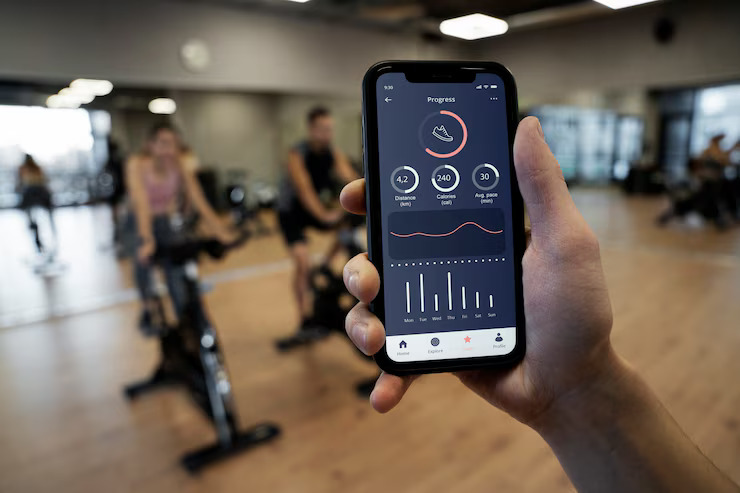
A simple fitness studio booking system enables members to find and reserve classes within 2-3 clicks from any device while providing staff with intuitive management tools requiring minimal training. For boutique studios under 500 members, booking simplicity directly correlates with member satisfaction, reduced no-shows, and lower administrative burden.
Quick Facts:
- Primary Topic: Simple Fitness Studio Booking System
- Category: Boutique Fitness Software
- Audience: Studio owners, fitness entrepreneurs, small gym operators
- Time to Implement: 1-2 weeks with guided setup
- Key Alternatives: Enterprise scheduling platforms, manual booking methods, generic appointment software
What Makes a Booking System Simple Enough for Boutique Studios?
Simple fitness studio booking systems deliver three-click reservations from mobile devices while displaying clear class information including time, instructor, difficulty level, and available spots. The best booking systems for small studios are almost boring in their simplicity because complexity drives members to competitors.
The Three-Click Standard
Three-click booking means members complete reservations without hunting through complicated menus or navigating multiple screens. Open app, find class, confirm booking. Studios implementing three-click systems report 15-25% higher class utilization compared to platforms requiring registration, login, class selection, time selection, and payment confirmation as separate steps. However, some class types requiring waivers or equipment selection may need additional steps.
Why Mobile Experience Determines Success
Mobile experience determines booking success because 65-75% of fitness class reservations happen from smartphones. Desktop-optimized systems with cramped mobile interfaces create friction that members resolve by not booking. Test any booking platform from your phone before purchase.
Example: A cycling studio switched from an enterprise platform to a mobile-first booking system. Advance reservations increased 35% within 60 days because members could book during commutes rather than waiting until they reached computers.
What Booking Features Do Members Actually Want?
Members want to find classes easily, book quickly, understand what they're signing up for, and modify reservations without calling the studio. Feature lists longer than these basics indicate enterprise software sold to the wrong market.
Essential Member-Facing Features
Essential booking features include searchable class schedules, clear instructor and difficulty information, multiple payment options (membership, package, drop-in), instant confirmation messages, and self-service cancellation. Members who can cancel and rebook independently generate 40% fewer front desk interactions. However, self-service cancellation requires clear policies to prevent abuse.
What Members Do Not Need
Members do not need dynamic pricing displays, loyalty point trackers, social sharing integrations, or gamification elements cluttering their booking path. Each additional screen element increases abandonment probability. Enterprise platforms justify higher pricing through feature counts rather than booking completion rates.
Decision rule: Ask during software demos: "How many screens does a member navigate to book a class from their phone?" More than three indicates enterprise complexity.
How Do You Evaluate Booking System Complexity During Demos?
Booking system demos reveal complexity problems through specific warning signs that predict daily operational headaches.
Demo Duration Red Flags
Demo duration exceeding 90 minutes indicates feature complexity requiring extensive explanation. Presenters spending significant time on "powerful customization options" rather than showing simple workflows signal enterprise positioning. Request demo time focused entirely on the member booking experience.
Questions That Reveal Hidden Complexity
Revealing questions during booking demos include: "Show me a member booking a class from their phone right now," "How does my front desk add a walk-in to a full class?" and "What does a new staff member need to learn before handling bookings independently?" Vague answers or demonstrations requiring explanation indicate systems built for technical users.
Example: During a demo, a studio owner asked to see the member booking flow. The sales representative navigated through four screens while explaining that "members get used to it." The owner chose a competitor completing the same task in two screens.
What Should Staff Expect from Booking System Management?
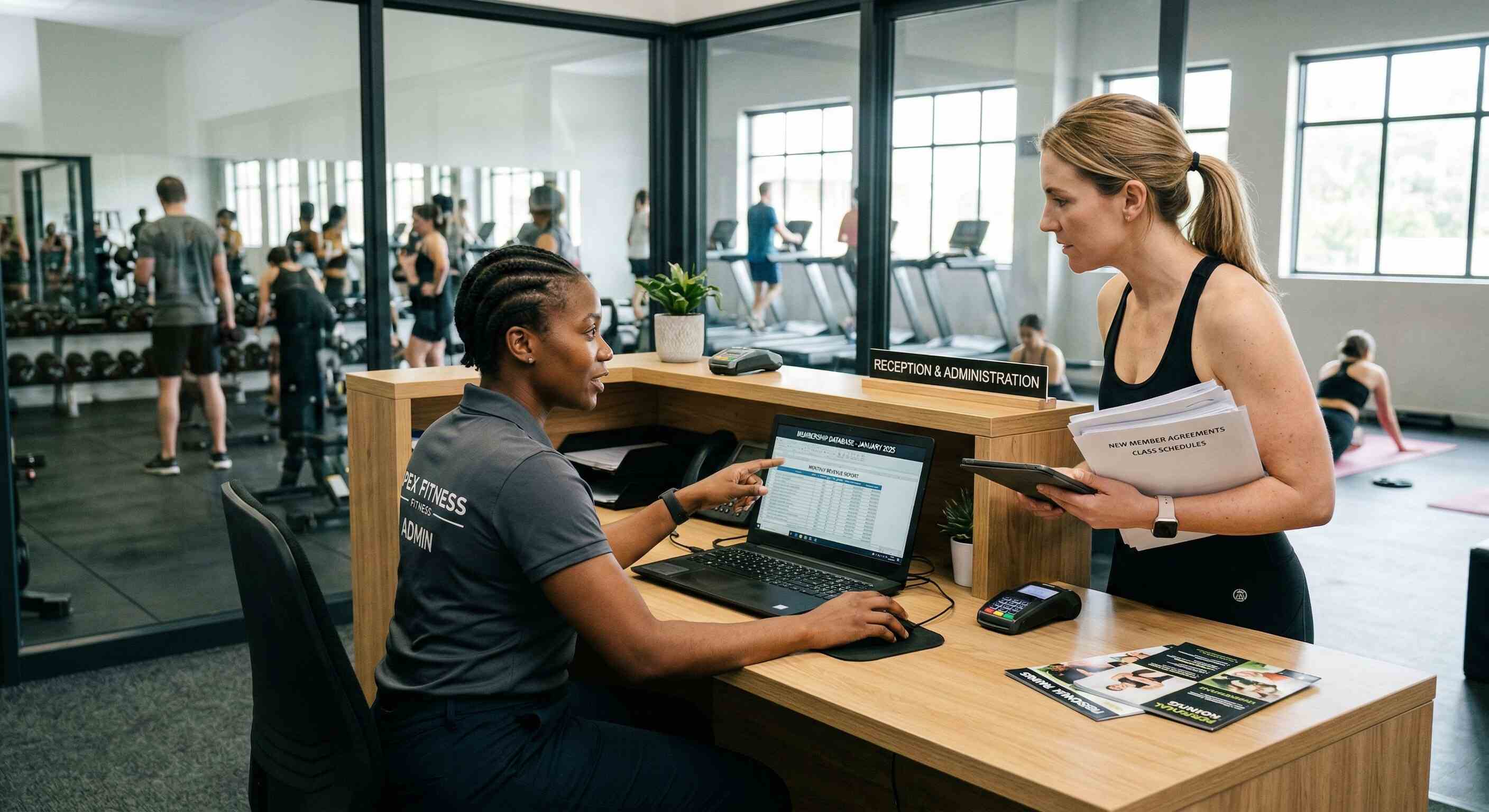
Staff booking management requires visual schedule clarity, simple attendance tracking, and straightforward waitlist handling. Your part-time front desk hire should manage bookings confidently after one training session.
Visual Schedule Management
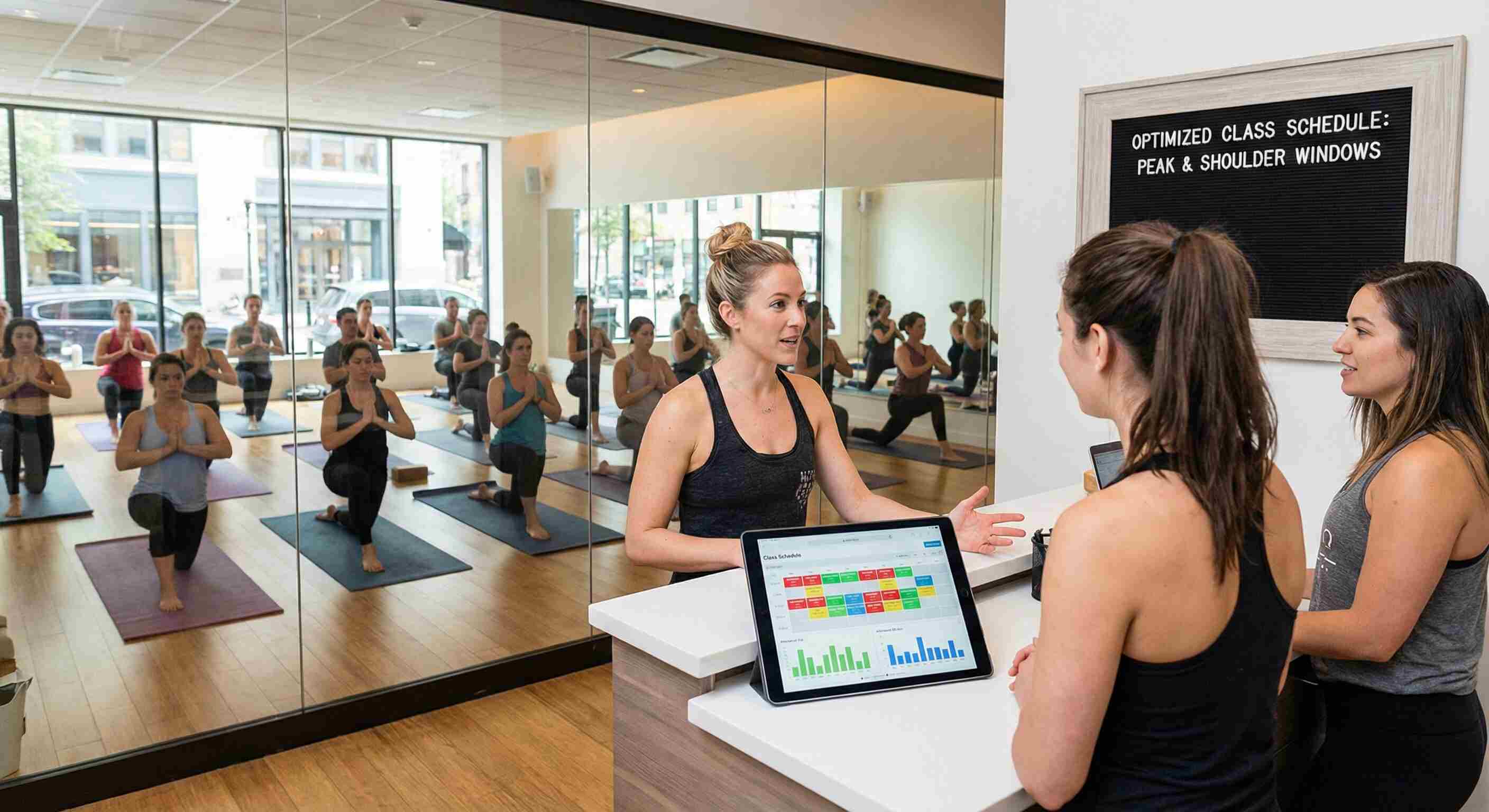
Visual schedule management displays weekly class grids where staff see availability, instructor assignments, and attendance counts at a glance. Drag-and-drop rescheduling and one-click class cancellation with automatic member notification reduce administrative time. However, visual interfaces require adequate screen size; mobile-only management creates limitations.
Waitlist Automation Requirements
Waitlist automation should notify next-in-line members immediately when spots open and process responses without staff intervention. Manual waitlist management consumes 3-5 hours weekly at studios running 30+ classes. Automation eliminates this burden while improving member experience.
Decision rule: Time your demo presenter completing these tasks: adding a walk-in, moving a member between classes, and canceling a class with automatic notifications. More than 60 seconds each indicates excessive complexity.
How Much Should Booking System Software Cost?
Booking system pricing for boutique studios typically ranges from $200-300 monthly with transaction fees around 2.9% plus $0.30 per card payment and $1 for ACH transfers. Platforms with pricing significantly below this range often limit features or charge surprise fees; significantly above indicates enterprise positioning.
Understanding Transaction Fee Structures
Transaction fee structures vary between percentage-based, flat-rate, and tiered models. Transparent pricing means knowing exactly what each transaction costs before signing. Hidden fees include payment gateway charges, PCI compliance fees, and monthly minimums. Request complete fee documentation during evaluation.
Total Cost Calculation
Total cost calculation should include monthly subscription, transaction fees on expected volume, any setup or implementation charges, and integration costs for existing tools. A studio processing $15,000 monthly through the booking system at 2.9% plus $0.30 pays approximately $480 in transaction fees monthly. However, ACH payment options at $1 flat reduce costs for recurring memberships.
Example: A studio evaluated two platforms: Platform A charged $150 monthly with 3.5% transaction fees; Platform B charged $250 monthly with 2.9% fees. At $20,000 monthly volume, Platform A cost $850 total while Platform B cost $830. The cheaper subscription proved more expensive.
Simple Booking Systems vs Enterprise Scheduling Platforms
Simple booking systems and enterprise scheduling platforms serve fundamentally different operational contexts.
Simple Fitness Studio Booking System Architecture
[Image Description: Concept map showing how member booking flow, staff management tools, and payment processing connect within simple booking systems]
Core Insights
1. Simple fitness studio booking systems enable members to reserve classes within 2-3 clicks from mobile devices.
2. Studios implementing three-click booking report 15-25% higher class utilization compared to complex platforms.
3. Mobile devices generate 65-75% of fitness class reservations, making mobile experience critical for booking success.
4. Members who can cancel and rebook independently generate 40% fewer front desk interactions at fitness studios.
5. Boutique studio booking software typically costs $200-300 monthly with transaction fees around 2.9% plus $0.30 per card.
6. Manual waitlist management consumes 3-5 hours weekly at studios running 30 or more classes.
7. Demo duration exceeding 90 minutes indicates booking system complexity that predicts operational headaches.
8. Simple booking systems serve single-location studios under 500 members while enterprise platforms suit multi-location operations.
Final Takeaways
1. Evaluate booking systems by counting clicks required for members to complete reservations from mobile devices; more than three indicates problematic complexity.
2. Calculate total software cost including subscription plus transaction fees on expected volume rather than comparing subscription prices alone.
3. Test staff management workflows during demos by timing common tasks; more than 60 seconds for basic operations signals systems designed for technical users.
FAQs
Q: How many clicks should fitness studio booking require for members?
A: Simple fitness studio booking should require 2-3 clicks from mobile devices: open app, find class, confirm reservation. Studios implementing three-click systems report 15-25% higher class utilization. However, certain class types requiring waivers or equipment selection may legitimately need additional steps.
Q: What features do members actually need in fitness booking systems?
A: Members need searchable schedules, clear class information, multiple payment options, instant confirmations, and self-service cancellation. Members who can cancel independently generate 40% fewer front desk interactions. However, self-service cancellation requires clear cancellation policies to prevent abuse.
Q: How much should boutique studios pay for booking system software?
A: Boutique studio booking software typically costs $200-300 monthly with transaction fees around 2.9% plus $0.30 per card payment. Studios should calculate total cost including subscription plus transaction fees on expected volume. However, pricing varies based on member count and feature requirements.
Q: What booking system red flags should studio owners watch during demos?
A: Booking system red flags include demos exceeding 90 minutes, presenters focusing on customization options rather than simple workflows, and member booking flows requiring more than three screens. Request demo time focused entirely on the member mobile experience. However, complex operations may legitimately need additional features.
Q: Why does mobile booking experience matter for fitness studios?
A: Mobile experience determines booking success because 65-75% of fitness class reservations happen from smartphones. Desktop-optimized systems with cramped mobile interfaces create friction that members resolve by not booking. However, staff management functions may reasonably prioritize desktop experience.
Q: How does waitlist automation benefit fitness studios?
A: Waitlist automation notifies next-in-line members when spots open and processes responses without staff intervention, eliminating 3-5 hours weekly of manual management at studios running 30 or more classes. Automation improves member experience while reducing administrative burden. However, automation requires clear policies for response windows and cancellation handling.












.jpg)










.jpg)


.jpg)


.jpg)